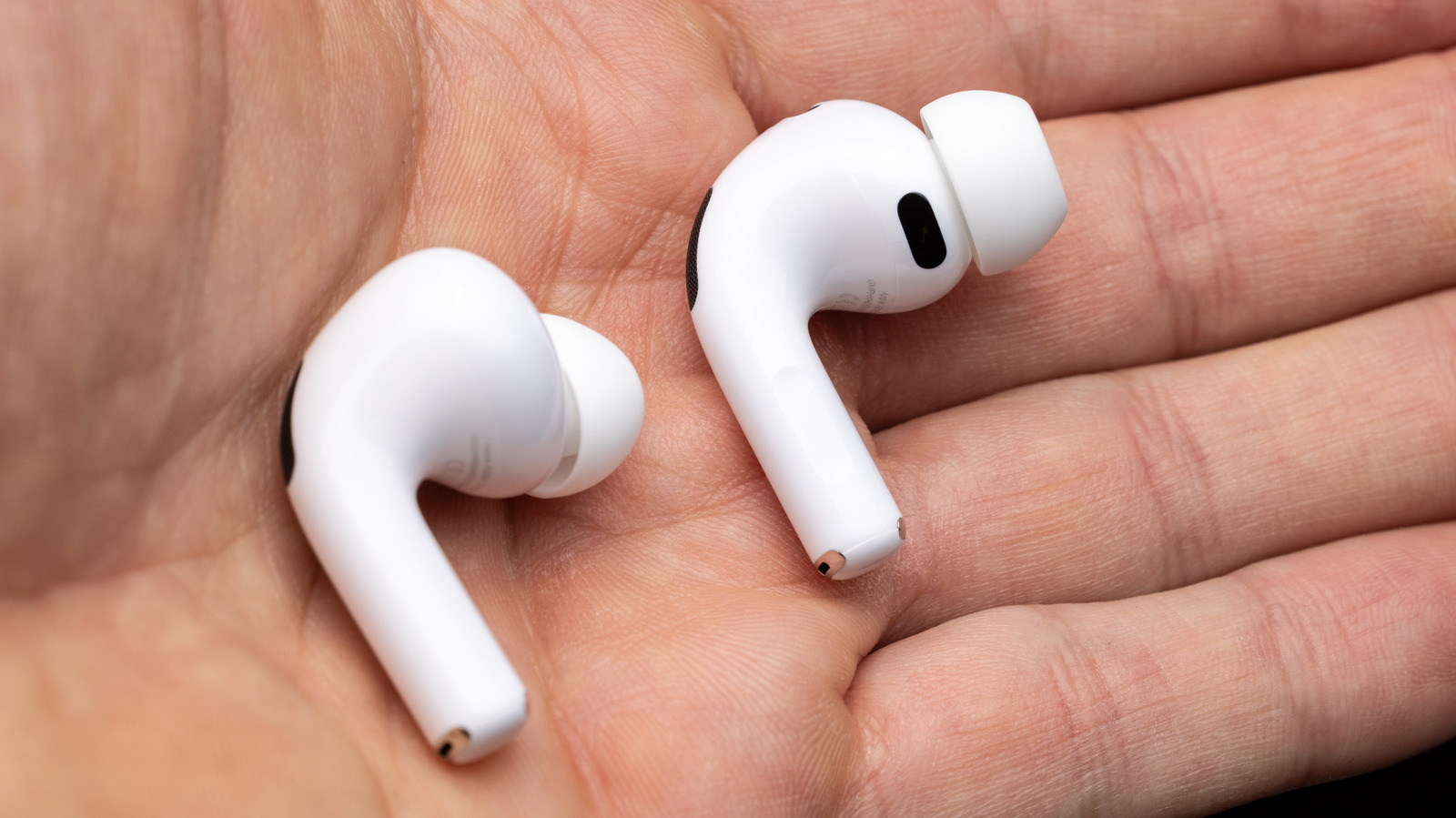
Here is what the page “AirPods disconnecting? Automatic Ear Detection and device switching may be the culprits” contains. If your AirPods keep cutting out unexpectedly, the problem may be Apple's own convenience features. Automatic Ear Detection, which pauses audio when you remove an AirPod, can falsely trigger if the optical sensors get dirty or the fit shifts, causing playback to stop without warning. Similarly, Automatic Device Switching, designed to move audio between your iPhone, iPad, and Mac based on activity, can hijack your connection if another device plays a sound or receives a notification.
These features, while useful, can be overzealous and lead to frustrating disconnections. To regain control, open Settings on your iPhone or iPad, go to Bluetooth, tap the 'i' next to your AirPods, and toggle off Automatic Ear Detection or Connect to This iPhone/iPad. The full version stays on the original page, which this listing opens directly.